22 Best Home Renovation Project Management Apps For IOS In 2025
Renovating your home takes careful planning to keep things running smoothly. The right apps on your iPhone or iPad can help you manage every step.
We've picked great apps that really work for home projects right now. They make tracking costs and working with your team much easier. You'll save time and money by choosing an app that fits the size of your renovation.
1. Ingenious.Build

This app manages your whole construction project right from your iPhone or iPad. It keeps your schedule, budget and files all up to date together. Spot a problem on site, Log it and share updates instantly.
Work keeps going even without internet. It handles requests for information and document submissions smoothly. Great for teams wanting one clear place to run everything. You pay a set price, no matter the project size.
2. Fieldwire
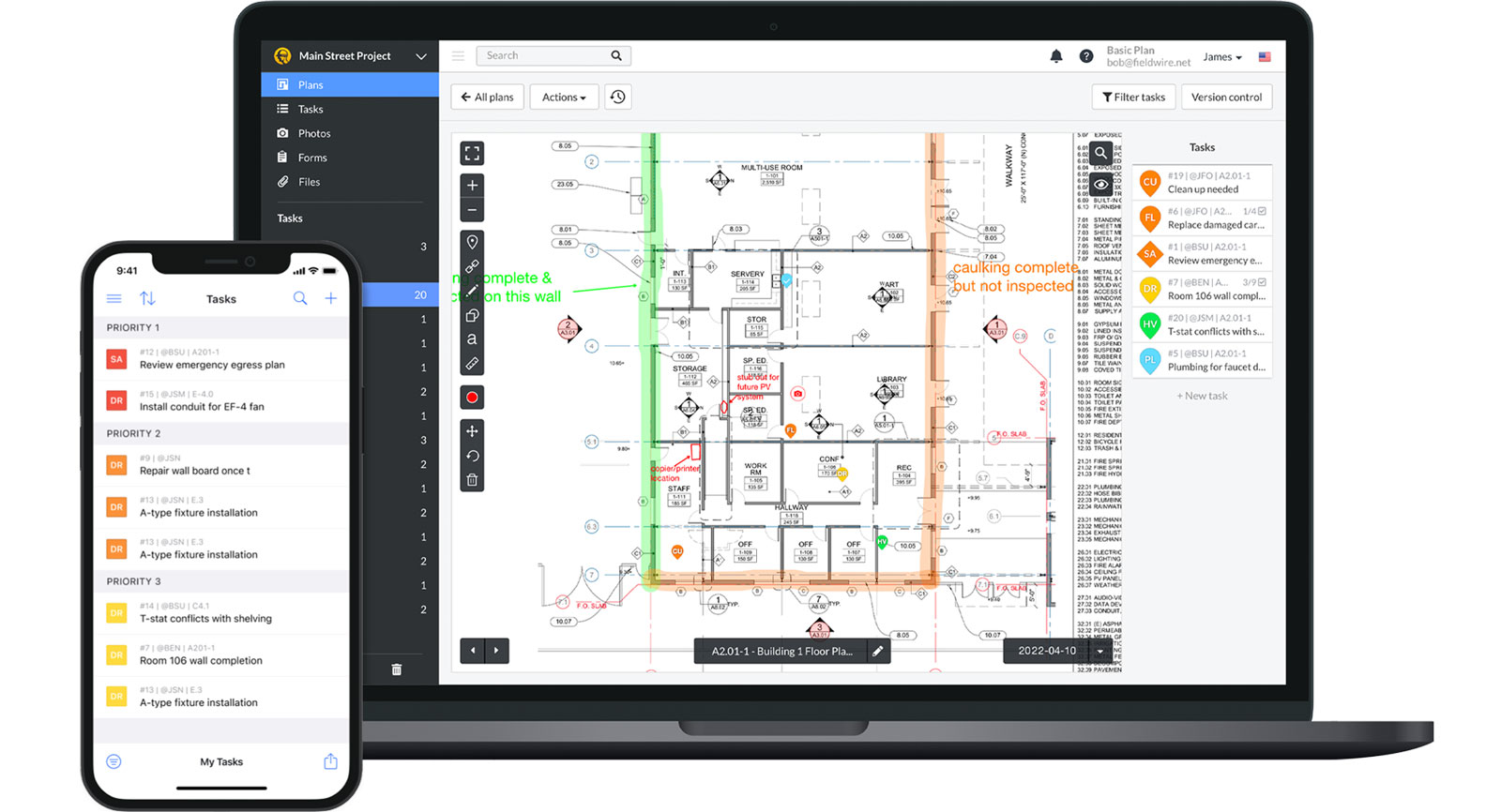
Fieldwire is perfect for tracking jobs and finishing touches during remodels. It automatically updates your drawings and lets you work offline. Take photos and add notes directly where the work happens.
Easily mark changes on plans. Works well for small home projects or bigger renovations. The layout is straightforward, so your crew learns it fast. A free version covers basic needs for individuals. It connects with other tools you use, cutting down on mix-ups and missed messages.
3. Procore For Big Projects
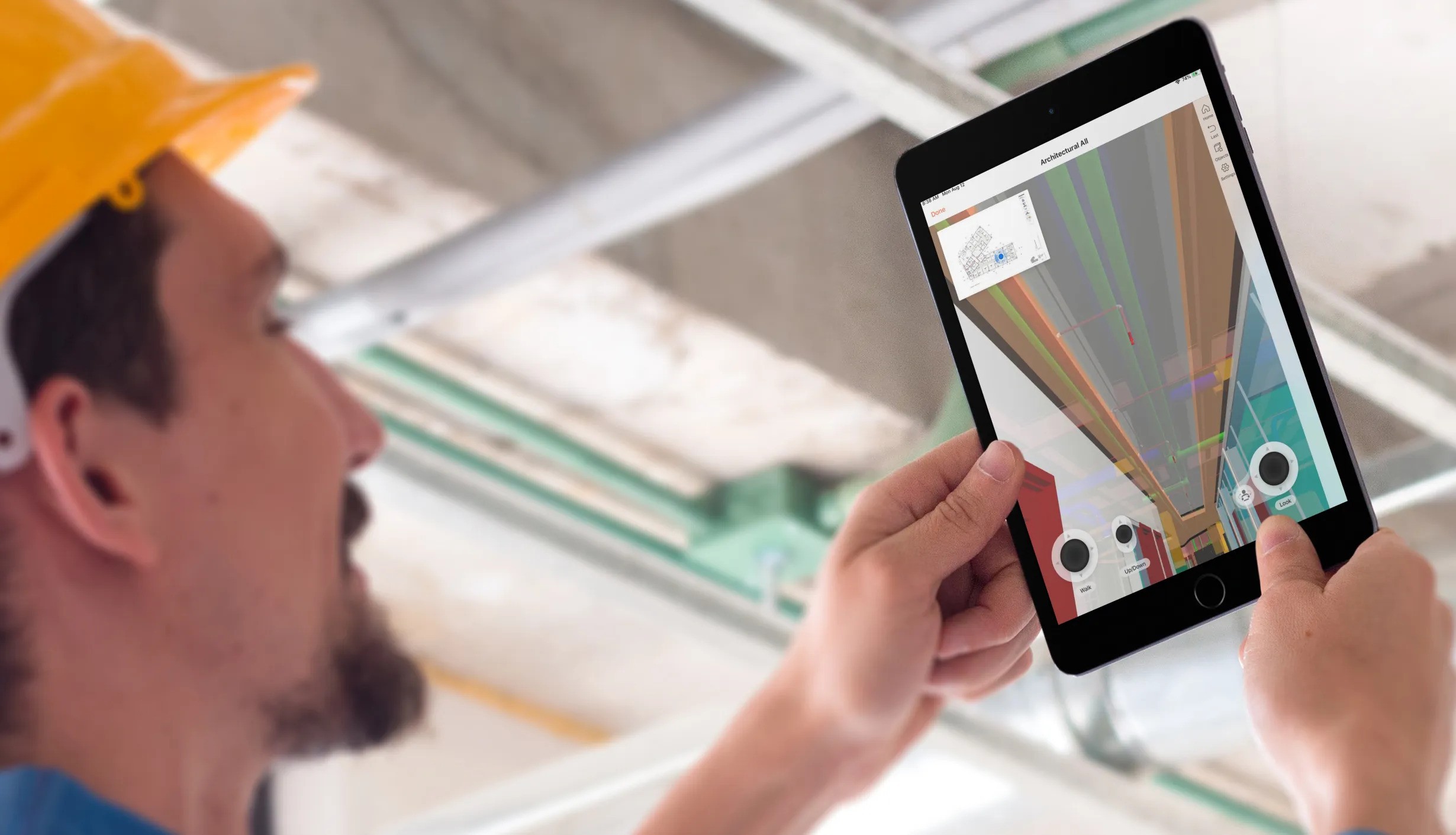
Procore works best for large, complicated home renovations. It tracks money, checks work quality, and logs safety issues right on your iPhone. You can set it up to match how your specific job runs.
Field crews can send daily updates instantly. It links smoothly with your accounting software. It handles big crews with clear access rules for different team members.
It costs more because it does more. Takes time to learn but pays off for serious pros. Keeps everything by the rules and makes everyone accountable.
4. Buildertrend For Home Renos
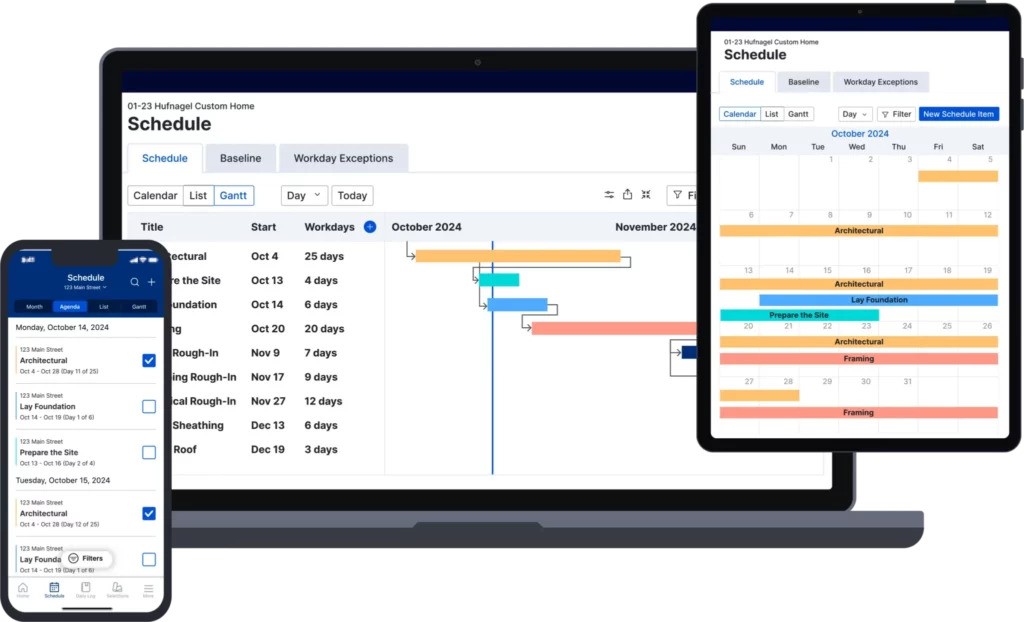
Buildertrend is made for home remodelers and builders. It helps you talk directly with clients through the app, track schedules, watch budgets and manage payments on your phone.
Daily updates and task lists keep work moving smoothly. It makes getting client sign-offs easy. People find it straightforward to use. Connects well with QuickBooks for handling money. Keeps everyone on the same page about the project.
5. PlanGrid For Construction Teams
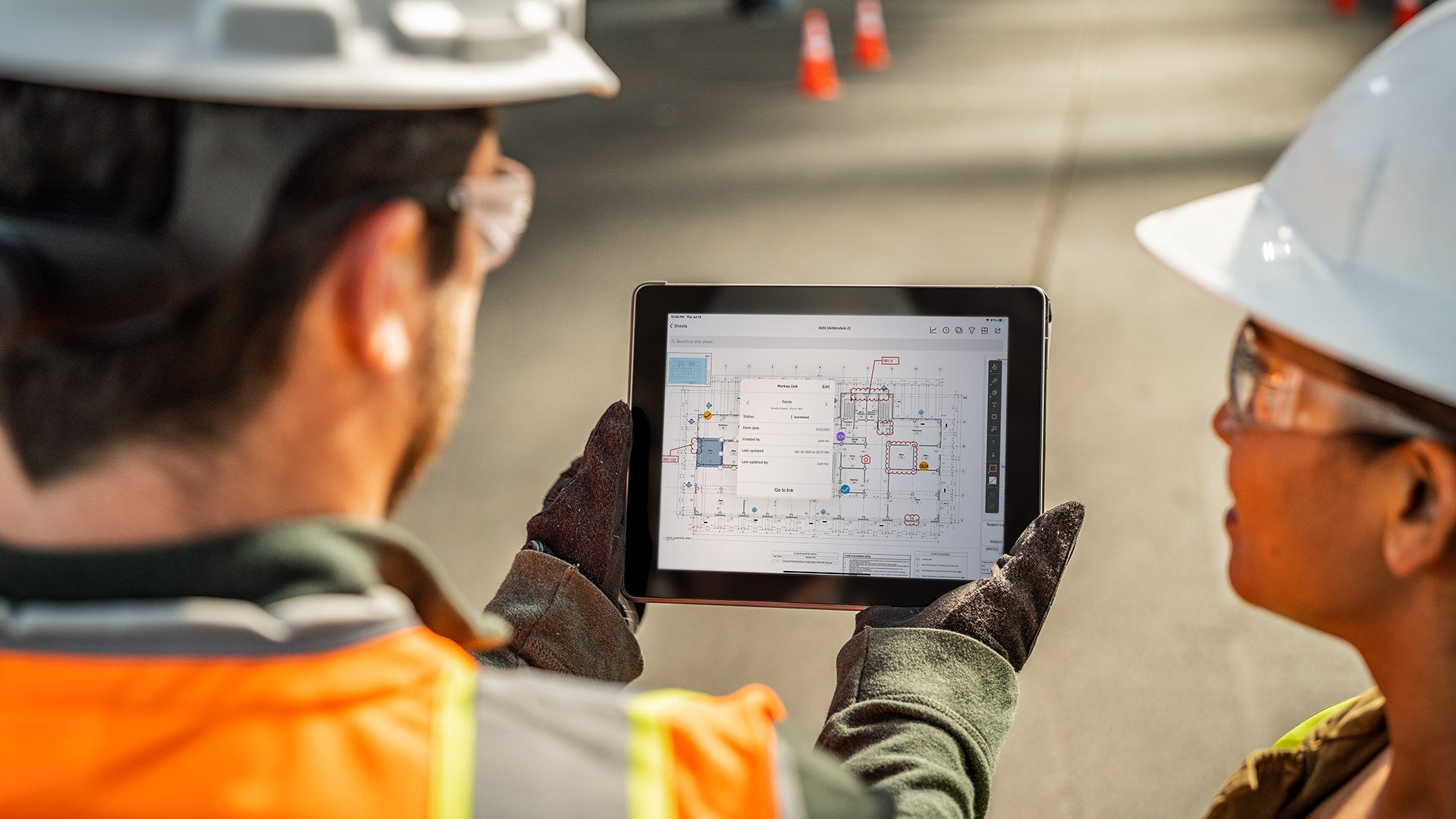
PlanGrid helps construction crews manage building plans right on their iPads or iPhones. It keeps everyone using the most current drawings and tracks any markups or changes made on site.
Workers find specific pages fast, helping them make quick decisions. You can tag issues directly on the plans and updates happen instantly for the whole team. It works great when there are tons of plans to manage during a remodel.
6. Chairish App
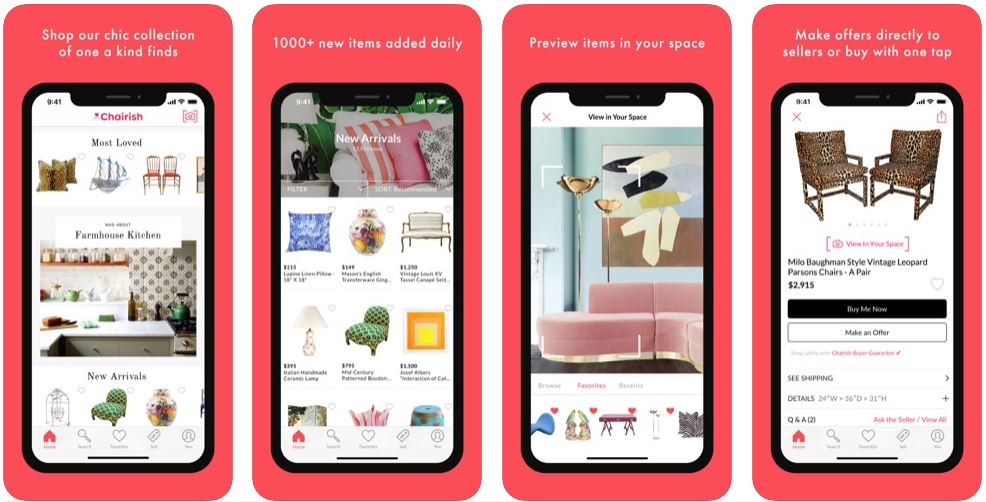
Chairish makes it easy to hunt for vintage and secondhand furniture on your phone. Point your camera to see how a piece looks in your actual room before buying. It connects you with sellers offering one-of-a-kind finds for your home.
Choosing pre-owned items is good for the planet. Selling your own old furniture is simple too. People love its wide selection of styles. Since it's free to browse, it's perfect for getting ideas while you plan your space.
7. Home Improvement Calcs
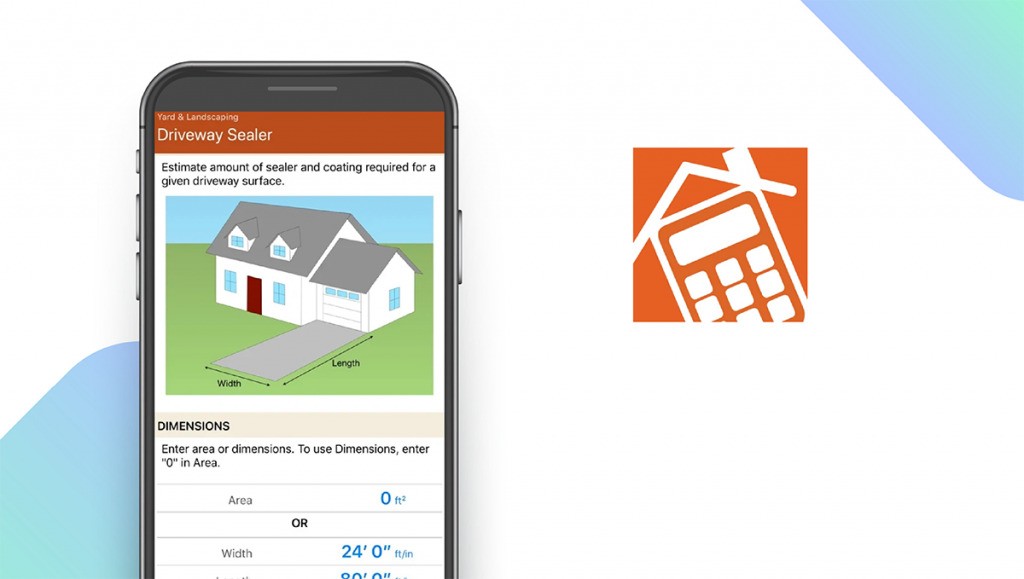
This iOS app has more than 250 calculators to help with home projects. Need to figure out how much paint, flooring, or other materials, it gives you exact amounts. It also changes measurements easily, like feet to meters.
Getting the numbers right means you buy just what you need, saving money and cutting down on waste. You pay once, no subscriptions, which DIYers like. It helps on how to plan your budget wiselybecause you see the costs upfront. The app shows how it does the math, so you trust the results.
8. Houzz
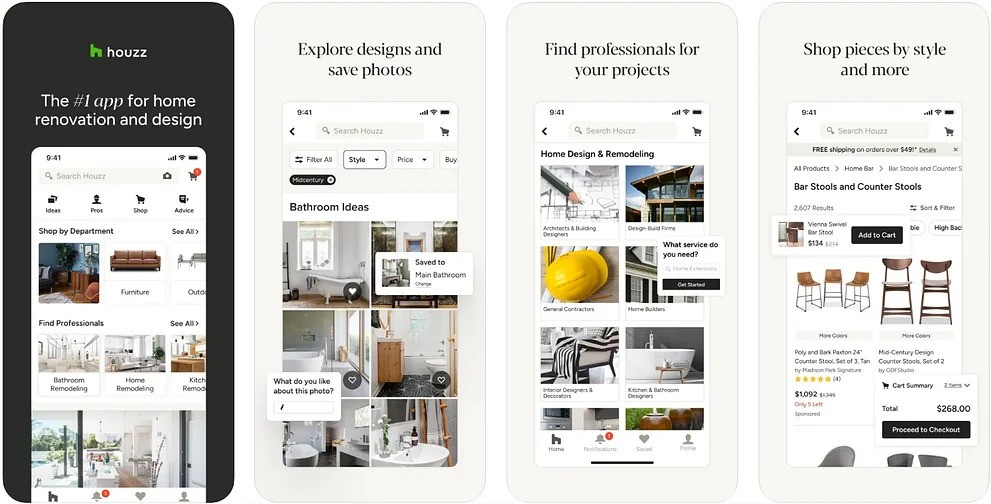
Houzz is a go-to spot for home ideas and finding help. Browse millions of real home photos to get inspired. See how furniture or fixtures might look in your space using their room preview tool.
You can hire designers or builders right through the app. Shopping for products is built in, making it easy to buy what you see. It helps turn your dream project into reality. Ask questions and get tips from other users in the community section. Many useful features are free, perfect for when you're just starting to plan.
9. Pinterest

Pinterest helps you find home project ideas on your iPhone. It shows pictures and videos you might like based on what you've saved. You can make boards with friends or your team to plan together.
It's free and great for trying out new looks without commitment. The app learns what you prefer over time. Plus, you can often tap straight through to buy things you see.
10. IScape

iScape lets you see outdoor changes on your phone before you start. Point your camera at your yard to test different plants or designs. It gives simple advice for choosing the right greenery.
Planning accurately helps avoid buying too much stuff. The free version covers the basics, while a paid upgrade offers more tools. It's easy to use even if you're not a pro, helping your yard look its best.
11. Magicplan
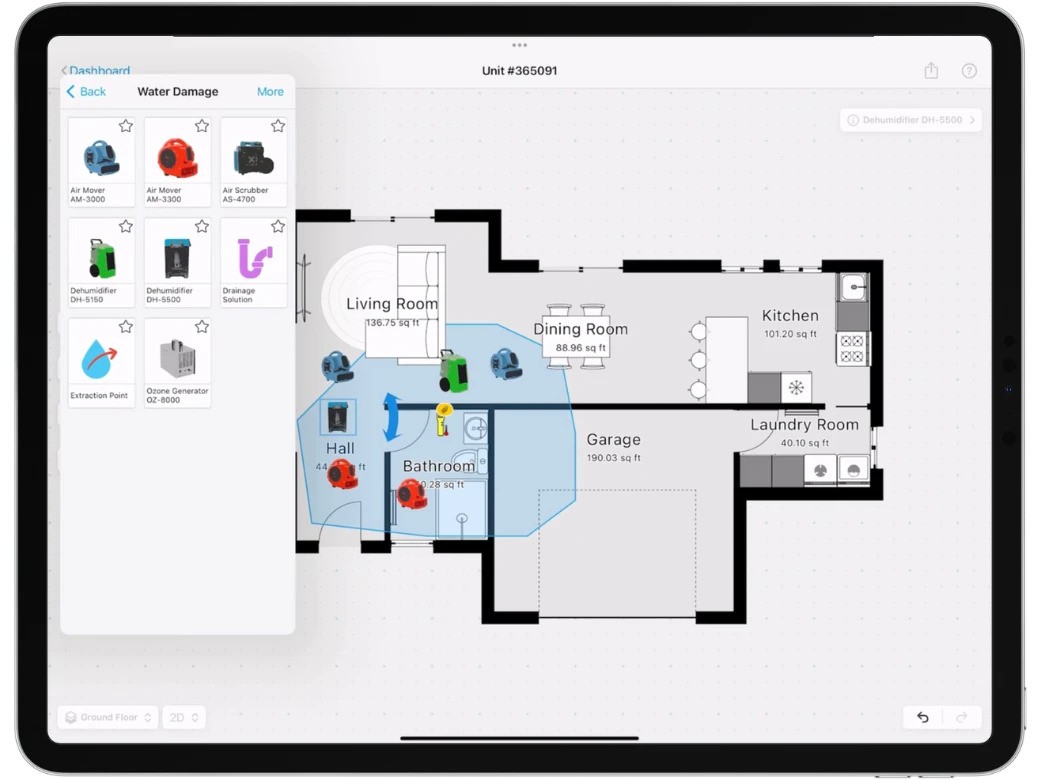
Point your phone camera at a room to create a floor plan instantly. As you sketch changes, it shows costs right away.
Send plans to contractors with one tap. Free to start, pay for extras. Get measurements right the first time, fewer mistakes later. Makes planning remodels way faster and actually fun.
See Also: Best IOS Travel Apps For Easy CT Trips
12. Palette Cam

Grab colors from any photo you take for your home project. Instantly build palettes to match paint or furniture.
Helps you pick colors that work well together, so your space feels put together. Free to use, share palettes with your team, and get ideas from real life. Works fast when you're rushed.
13. Havenly

Get interior design help through your iPhone or iPad. Chat directly with real designers who suggest furniture and decor starting at $79. They'll guide you through video calls and make shopping lists to save you time.
The app is free to download, with design packages costing extra. It makes your DIY projects look pro. You'll feel more confident with expert advice, and flexible pricing fits any budget.
14. Photo Measures
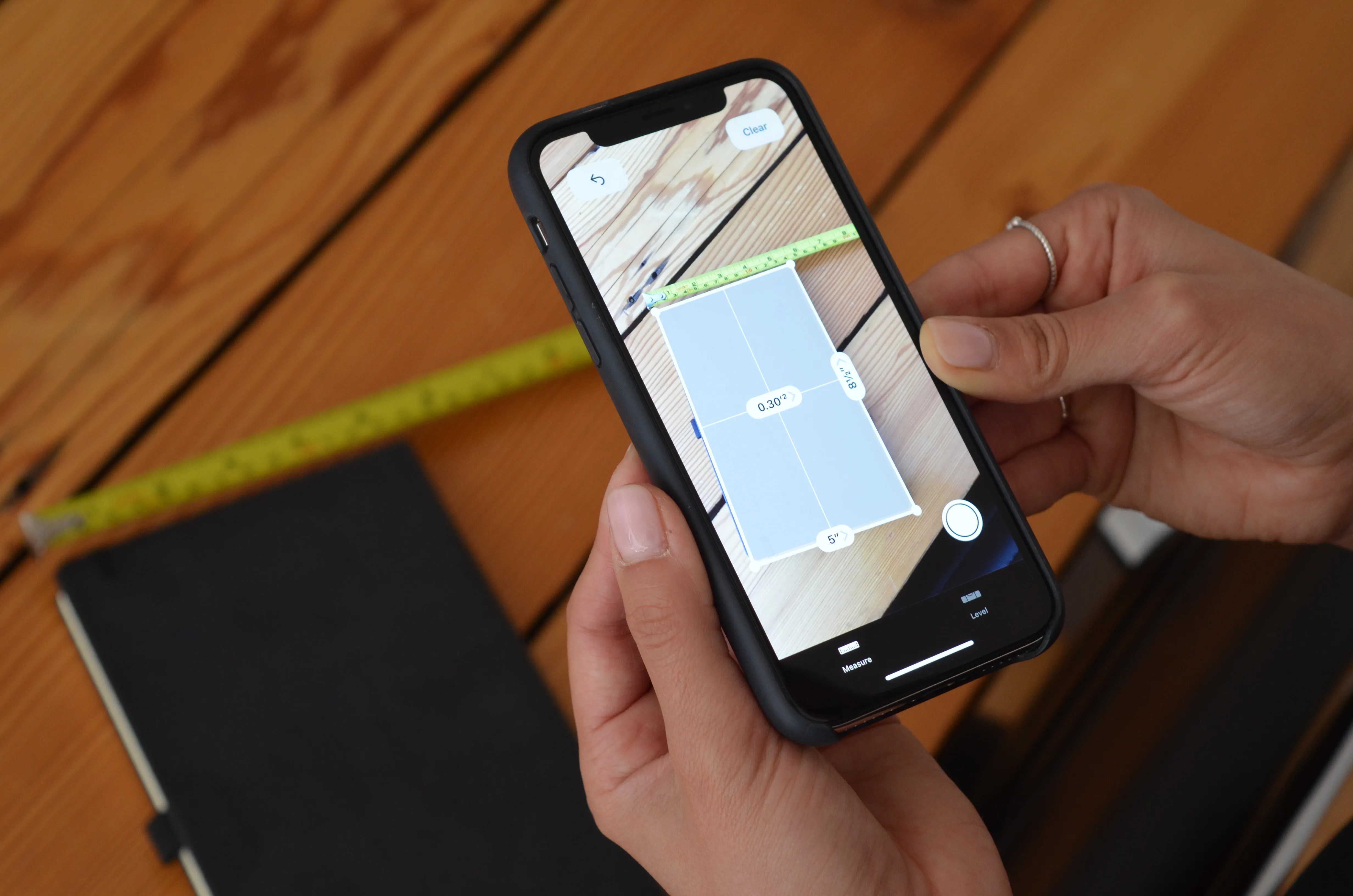
Add measurements right onto your phone photos. Snap a picture, mark the dimensions, and save them for later so you won't forget. Pay once for the app, it’s a great deal. Easily share your notes and avoid extra trips to the store. The interface is simple enough for anyone to use, helping you get everything right the first time.
15. RoomScan Pro
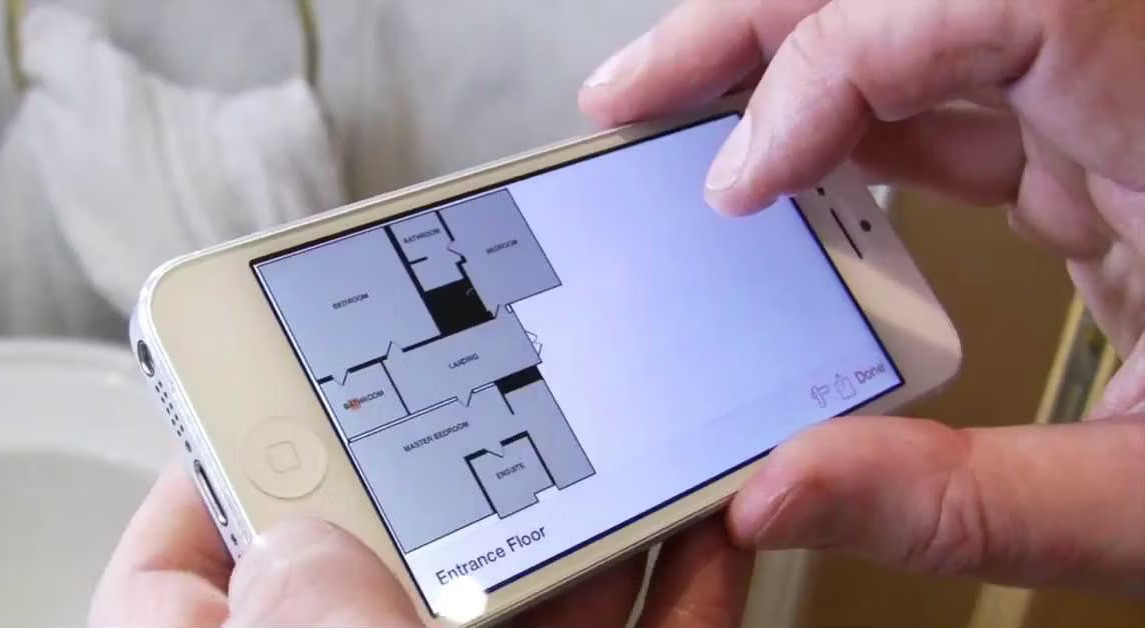
RoomScan Pro turns your iPhone into a tool for making floor plans. It works well in hard-to-scan spots and even in dim rooms.
You get the basic app free, with options to add more features. It quickly creates accurate maps of your space, including tricky areas like bathrooms or curved walls. Just point your phone and you'll have a layout ready for planning.
16. Roomle 3D & AR Room Planner
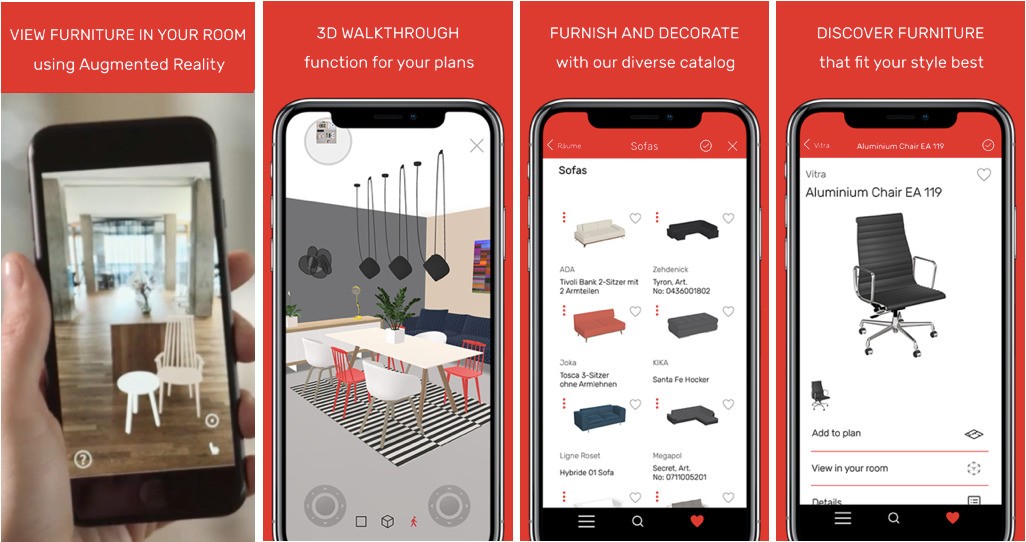
Roomle lets you place virtual furniture in your actual room using your iPhone camera. See how sofas or tables look before you buy. The free app has extra styles and tools you can unlock.
Try different arrangements easily, share your designs with friends for opinions, and find the best setup using their huge selection of furniture styles. It makes arranging your space simple and fun.
17. Home Design 3D
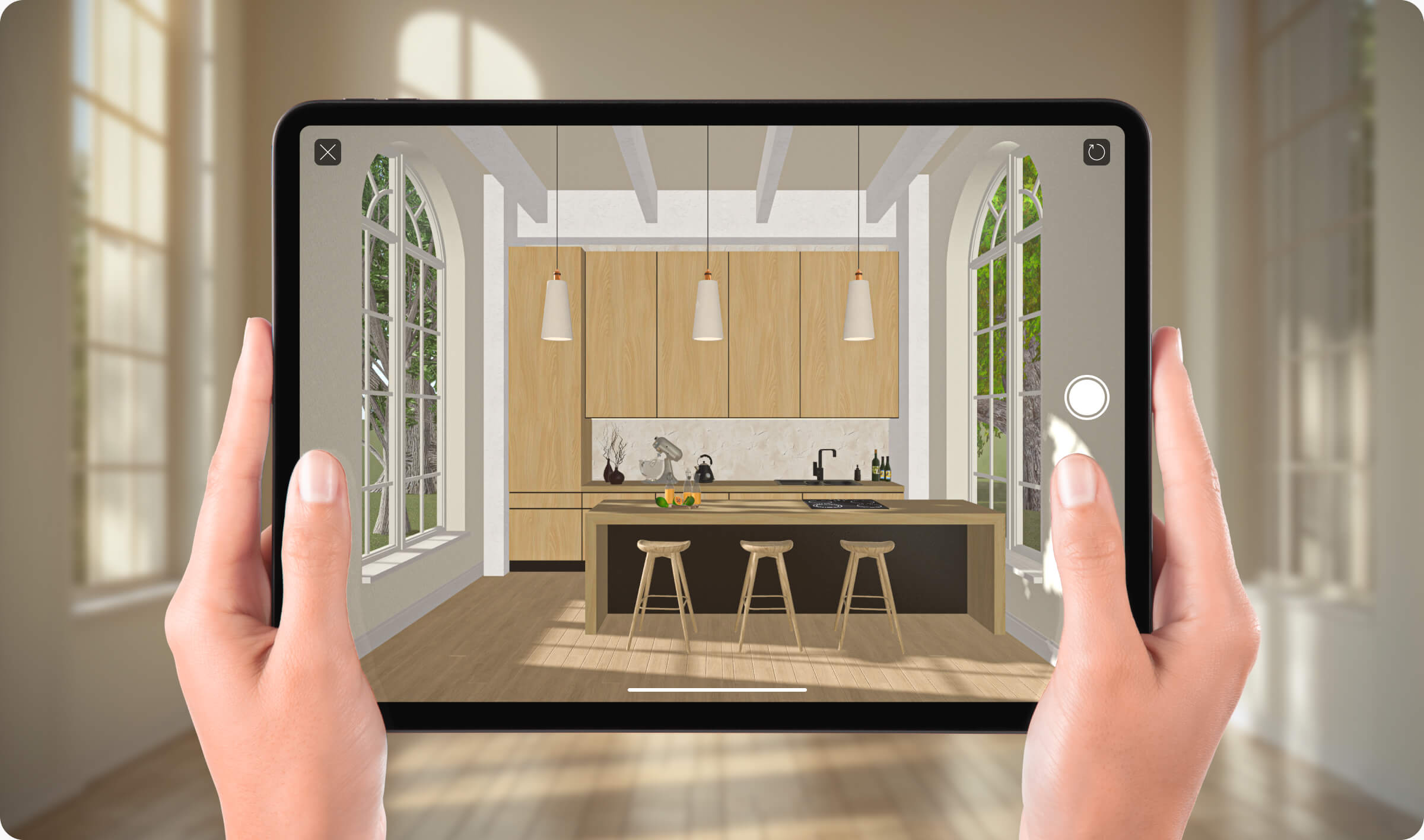
Try out home changes right on your iPad with Home Design 3D. Move walls, adjust windows, and see how sunlight fills rooms at different times. You can test new layouts and lighting easily.
The free version gives you the main tools to play with ideas. If you want to save your work, you'll need the paid upgrade. It's perfect for figuring out your remodel plans before you start building. See real examples from other users to spark your own ideas.
18. Pantone Studio
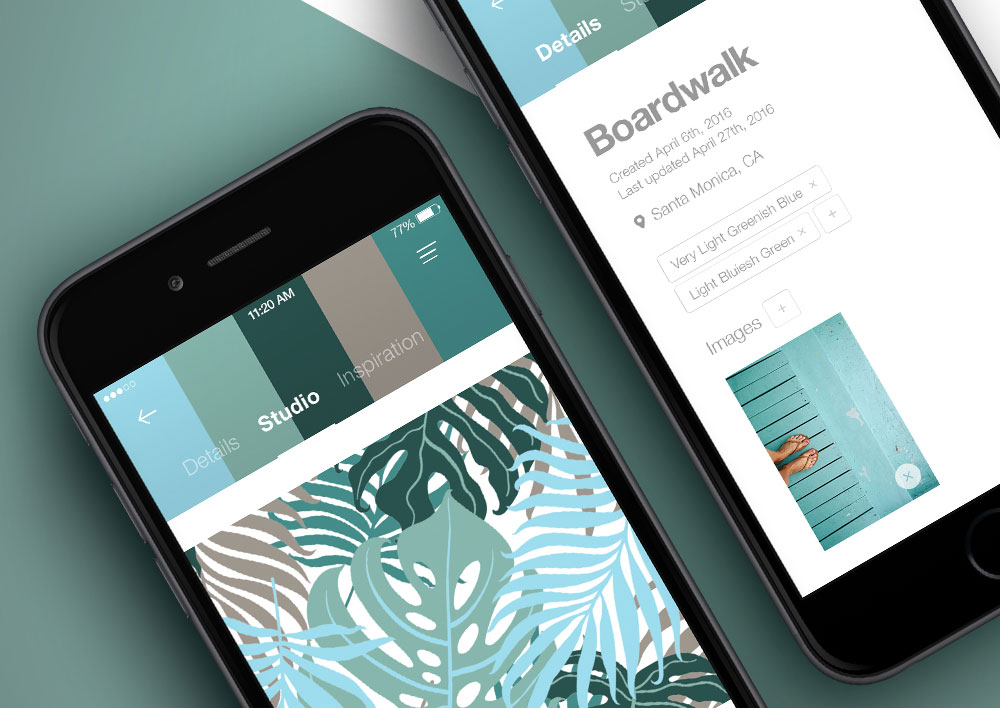
Pick the exact colors you need using Pantone Studio on your iPad. It matches digital shades to real paint and fabric standards, so what you see is what you get. Start with the free tools, but you'll need a subscription for the full set.
Build complete color schemes starting from just one shade. It connects smoothly with other design apps you use. Check current popular colors and share your palettes directly with your team to keep everyone on the same page.
19. Handy

Handy connects you to trusted pros for everything furniture. Get clear price estimates and book appointments instantly in the app. It’s free to download, you only pay for the service. All workers are checked and you can schedule jobs around your calendar, so things get done faster without the hiring hassle.
Tips on getting good commercial electrician servicesmatter most for big projects, but for home renovations, Handy makes finding reliable help simple and stress-free. Just tap to book qualified electricians who know residential work inside out.
20. HomeZada
Manage multiple home renovations at once with HomeZada. Plan your budget, find contractors, and track your home's value.
Pay a yearly fee for the full set of tools. See how upgrades affect your costs and keep all your project papers organized in one spot. Watch your project move forward with clear progress updates. It works with your calendar and helps your money go further on renovations.
21. Revizto For Renovations
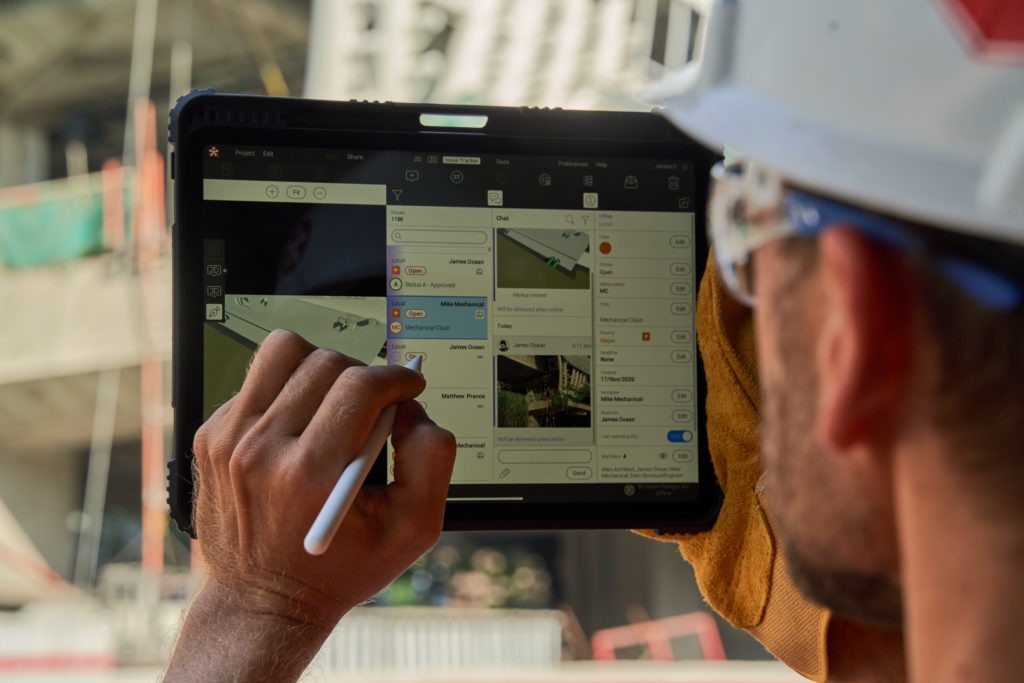
See building plans on your iPhone or iPad during remodels. Spot problems and share reports with your team. Work offline when you're on site.
Full features need a subscription. Everyone stays on the same page with live updates. Catches design conflicts early so you avoid costly mistakes. Makes big renovation projects smoother.
22. ClockShark For Crews
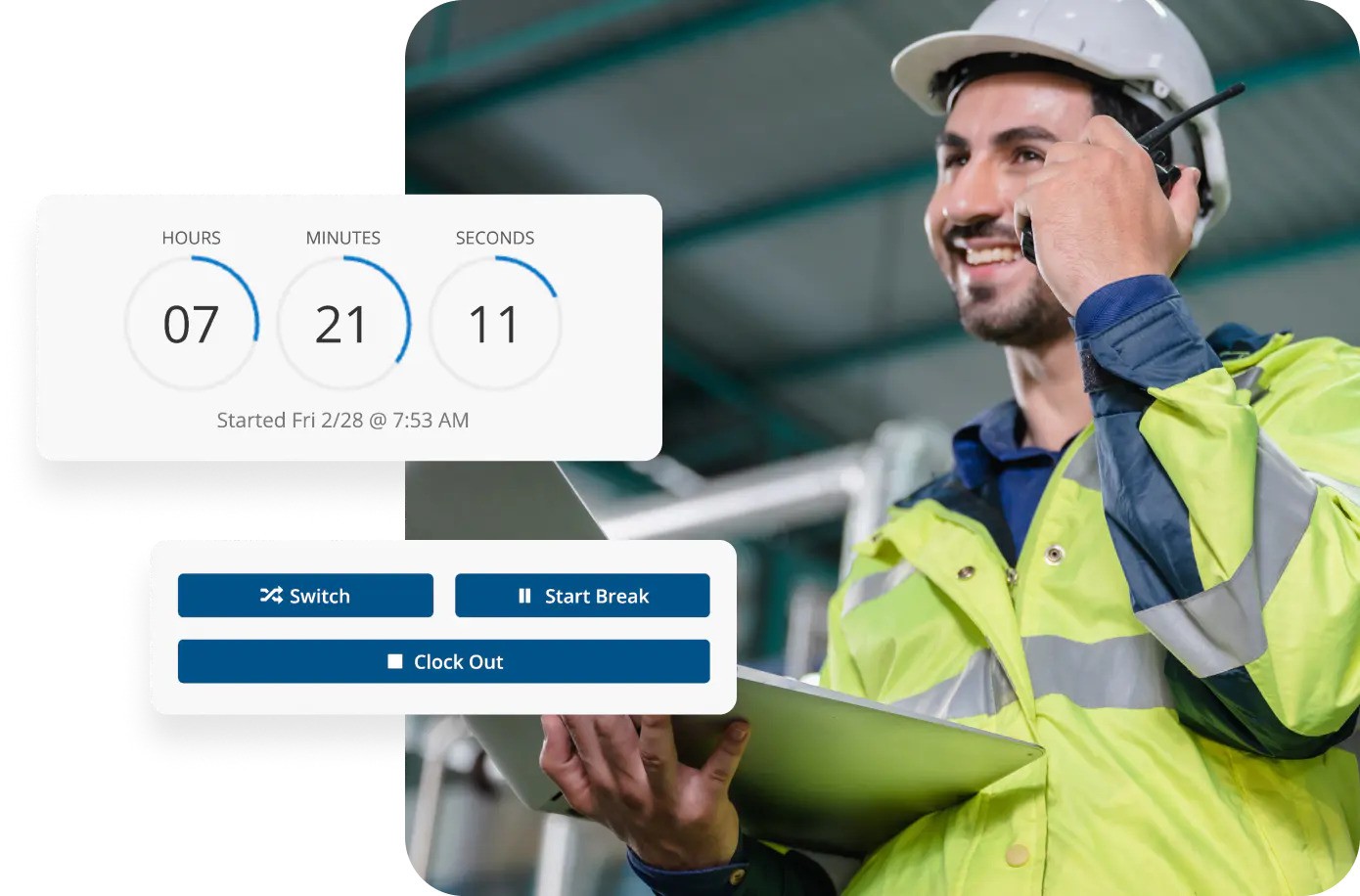
Track work hours for your renovation team using their phones. GPS confirms where they're working. Connects straight to payroll systems.
Try it free first, then pick a plan. Fewer arguments about time sheets saves money. Workers clock in from their phones. See reports on how efficiently time is used. Makes everyone accountable.
FAQs About Home Renovation Apps For IOS
What Makes The Best Home Renovation Apps For IPhone?
Great apps let you see changes right away, work without internet, and are easy to use. They help track your budget, plan steps, and let your whole team share updates. Many also show how furniture fits in your space and measure rooms accurately.
What’s The Difference Between Free And Paid Renovation Apps?
Free apps give you basic tools for planning and seeing ideas. Paid apps add features like sending files to pros or connecting with other work tools. Pick free for small jobs, paid for big renovations.
Can These Apps Help Me Manage My Renovation Budget?
They figure out costs as you plan, estimate materials and labor, and track spending. This helps you stick to your budget and avoid surprises.
Are There IPhone Apps To Find Renovation Help?
Some apps connect you to checked workers for design, repairs, or full remodels. You see real reviews, book right away, and get help from start to finish.
How Safe Is My Project Info In These Apps?
Good apps keep your plans and photos safe with strong security. They save your work automatically and let you choose who sees your files.
Why Do Some Apps Use AR For Renovations?
AR shows you how new furniture or layouts will look in your actual room. You see changes before spending money, which saves you from expensive errors.
Final Thoughts
These iOS apps help with home renovation projects. They guide you from planning the project to finishing it which saves you time and money. Pick the one that fits your specific job, it makes the whole process much smoother.
Also Check Out: Best IOS Apps For Multiplication Tables