10 Best Tier List Maker Apps For IOS In 2025
Making tier lists on your iPhone is a fun way to rank your favorite games, movies or anything else. If you like organizing things or just having fun ranking stuff, these apps are really good.
Here are great iOS apps for making tier lists, covering both free choices and more powerful paid ones. Pick one that fits what you need and start sorting your favorites the easy way.
1. Tier Up Ranker
This iPhone app makes tier lists super simple. Add tiers, drop in pictures and drag items into place, perfect for ranking anything from anime to sports teams. Choose colors and fonts that make your lists pop, then share them online.
It’s free with optional upgrades ($1 to $10) to remove ads or unlock extras. Pay monthly or yearly, but remember to turn off auto-renew in settings if you don’t want it and it’s easy to use.
2. Set List Make
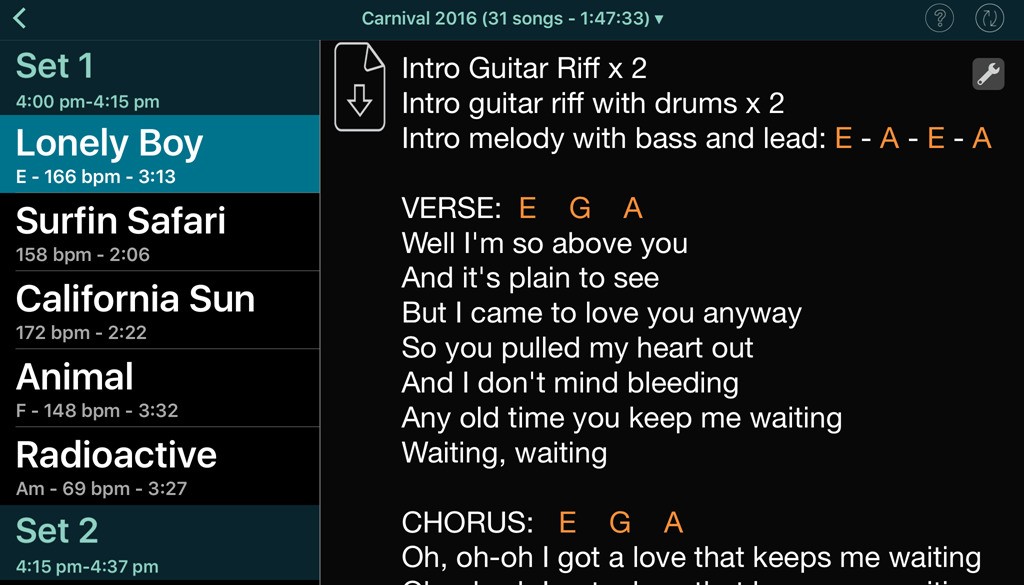
This app lets you create lists with up to 26 rows, great for game tactics or personal projects. Pick colors to match your style, save drafts, and export finished lists straight to your photos. It works in many languages, so it’s easy for folks worldwide.
The 2025 update keeps it running smoothly on newer iPhones, it needs iOS 16.4+. It costs $3 monthly or $20 yearly, managed through your Apple account. Gamers and planners love how clean it looks, though some wish more features were free.
3. Simplified
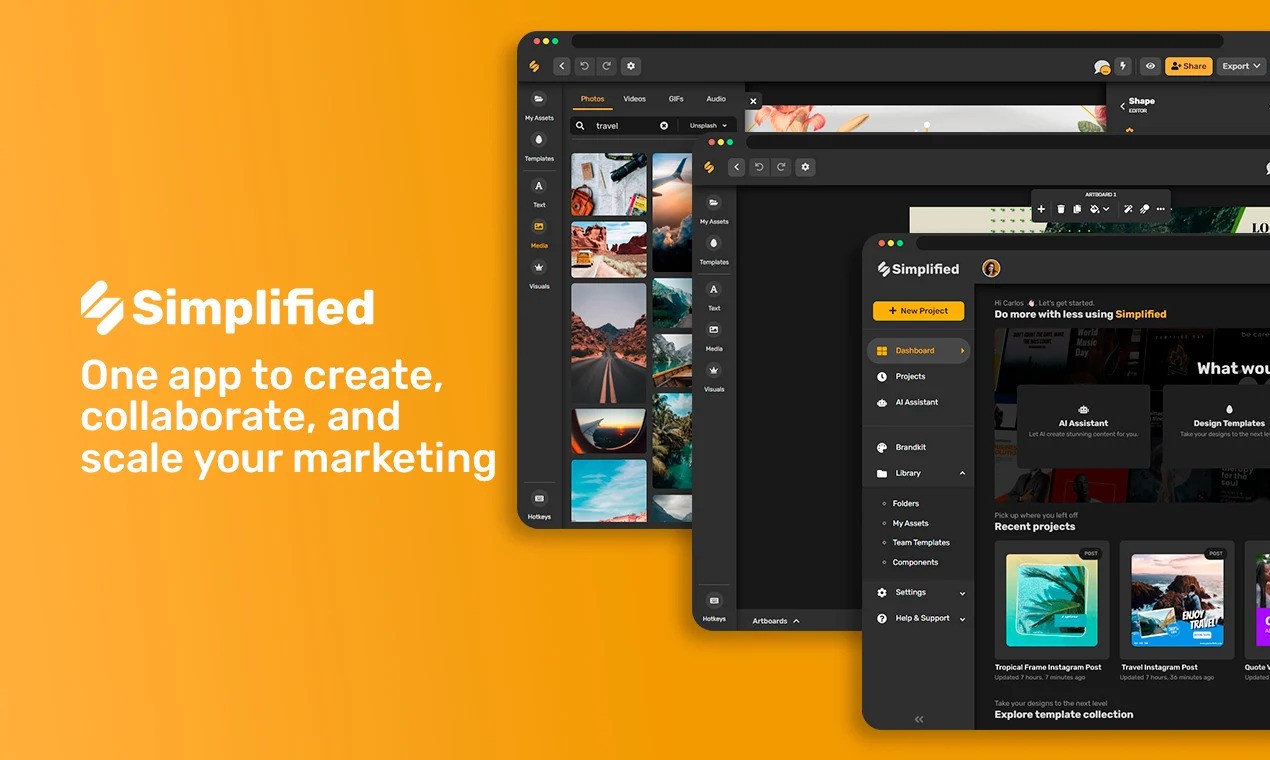
This app makes building tier lists on your iPhone super easy. Its smart tools help you design great-looking lists without any design experience. Just drag and drop items. Work with others in real time, and keep your brand colors and logos consistent.
Start free. The Pro plan costs $12 a month if you pay yearly or $24 a month for Business. Download your lists as PNG, JPG, PDF or SVG files. People love how simple it is for beginners, but you'll need a paid plan for extra features. You csn build clean, professional tier lists right on your phone.
4. Tier Maker
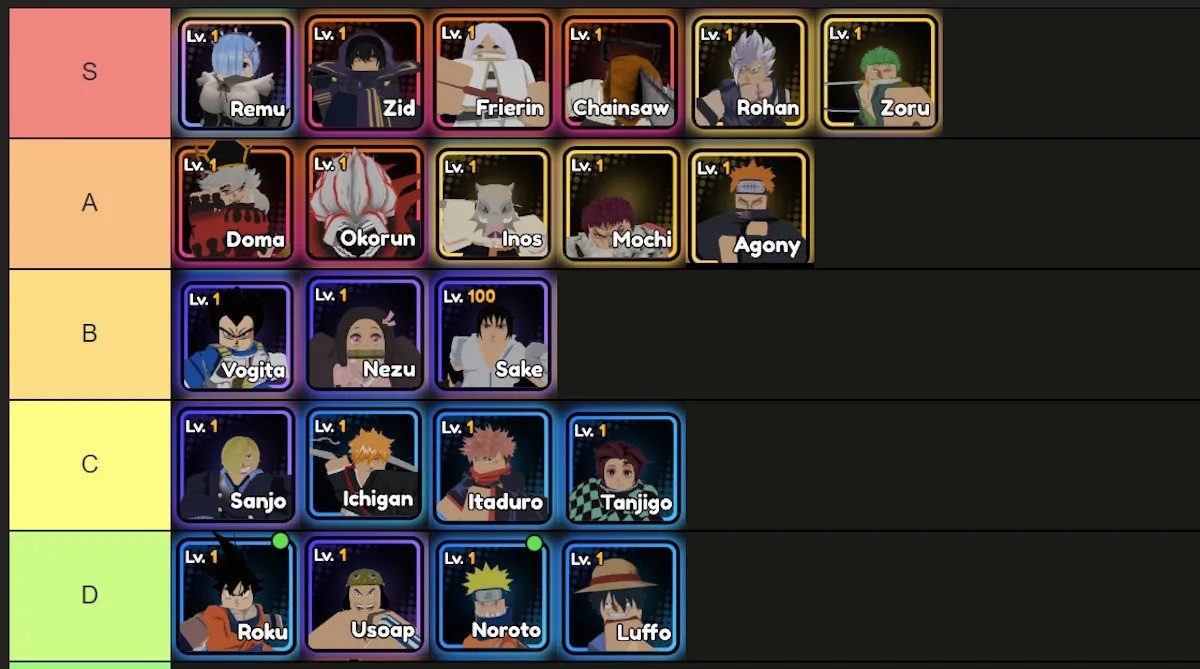
There are easy ways gamers skip stress with the tier list tool,it hasno ads, just smooth sorting. Grab ready-made templates for heroes, villains, or your coffee order (yes, really). iPhone users get crisp exports without watermarks after the free trial.
Pay once ($20) or monthly. Works on iOS 16+, loads fast, and folks love how easy it is to rank anything. Upgrade for custom styles and smoother sharing. Occasional hiccups happen, but fixes roll out quick.
5. Canva

Create and Share Tier Lists for Free: Your Ultimate Tier List Maker
This app works great for making lists on your iPhone, even if you don’t play games. Just drag and drop items using its simple tools, and pick from tons of ready-made designs. You can create lists for school, work, or fun projects.
Its free version gives you useful icons and lets you work with others. Save your lists as clear images or PDFs to share easily. The free plan covers most needs, but you can pay $15 a month for extra features.
People like how easy it is to make good-looking lists quickly. It’s perfect for teachers or anyone organizing ideas. Your lists stay clean and professional.
6. Fotor
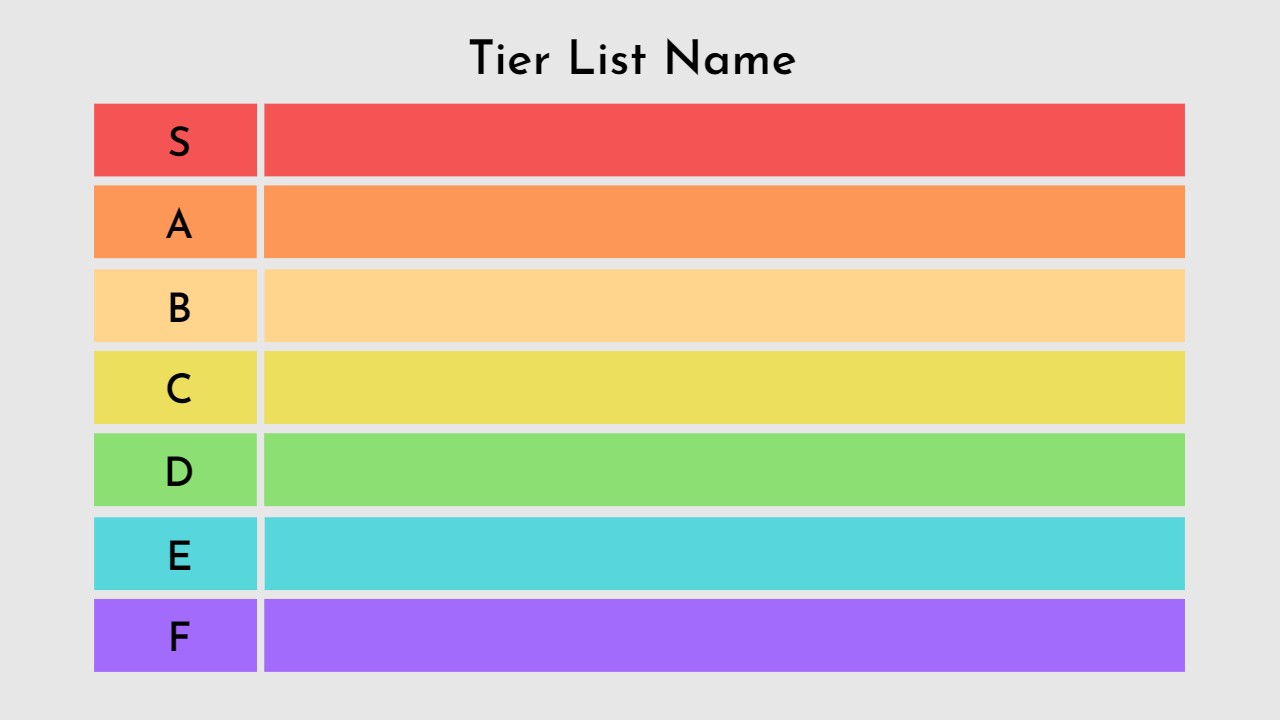
Fotor’s free app is perfect if you want to make lists fast and fun. Use its templates and stickers to rank your favorite games, shows or hobbies without stress. Save your lists as sharp images or PDFs.
The free version offers plenty, but Pro costs $4 a month or $7.50 yearly for more. Some high-quality exports need Pro, but the basics work well. It’s super simple to use, just drag and drop. Add your touch to make lists pop. Try the 7-day free trial for premium tools. Download it for bright, easy lists today.
7. Visme
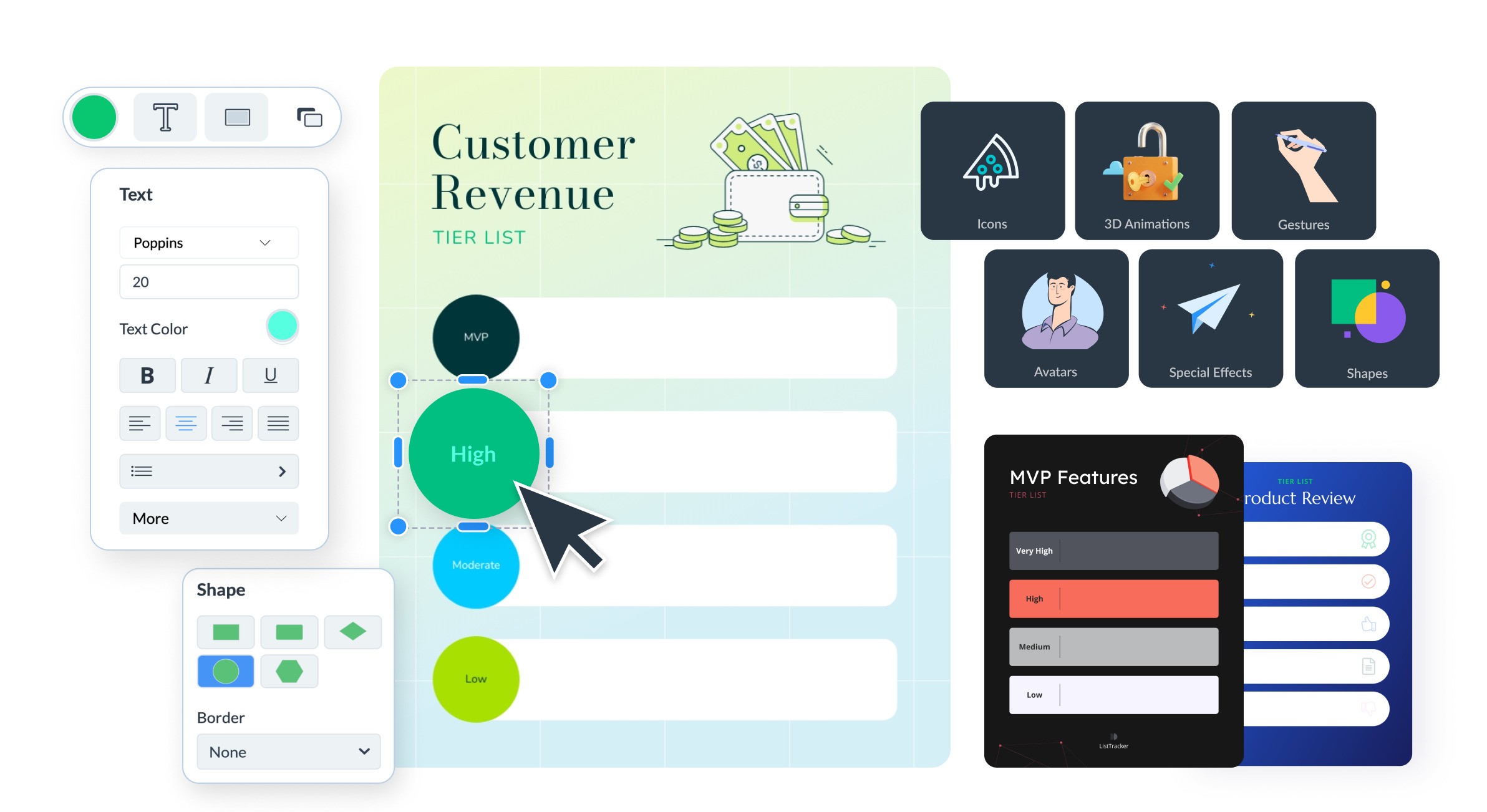
Visme is great for making professional tier lists on your iPhone. It has ready-made designs perfect for business or school rankings. Just drag and drop to add your own pictures and logo. The app also shows you how people interact with your lists.
The free version works well, but you’ll pay $25 a month for more tools. It makes your lists look sharp, though it costs more than some options. You can save your work as JPG or PNG files. If you want a serious, clean tier list maker for iOS, try Visme.
Read Also: How To Download Apk Files On Ios
8. Edit.org
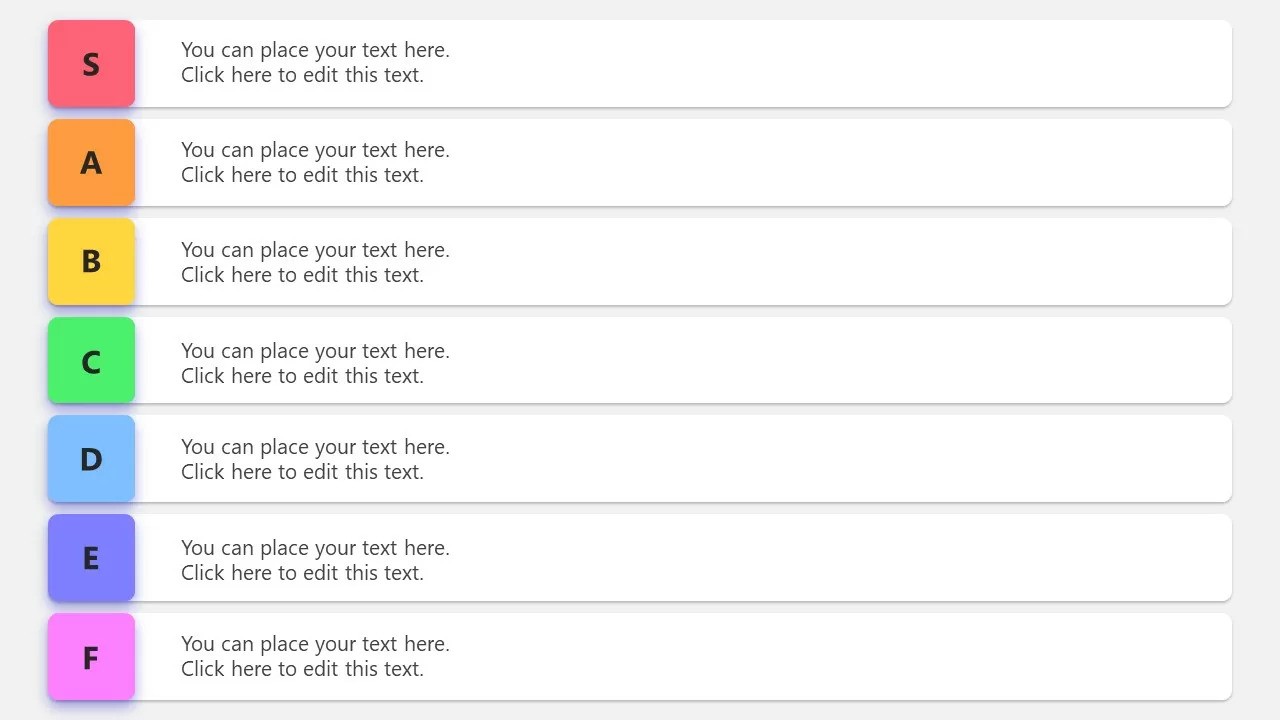
Edit.org keeps things simple for making tier lists on your iPhone. Its easy templates work well for games, school, or personal projects. You get clear JPG, PDF, or PNG files to share right away.
The free plan does the basics, or pay $14.90 a month for extras. It’s quick and gets the job done, but doesn’t have as many bells and whistles as others. Add icons or photos to make your lists your own. They offer a 15-day free trial for premium features.
9. Tier List & Ranking Maker
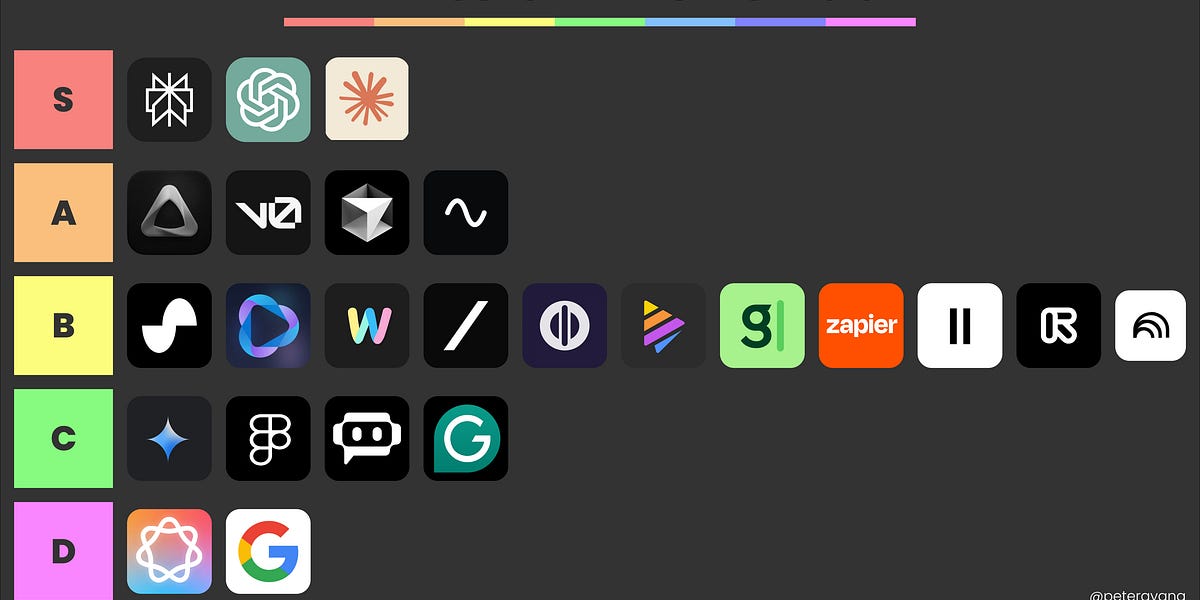
This iPhone app makes tier lists super easy. Just add things like anime characters for your Anime Reborn Tier List, or anything else as text or pictures, then drag them into order.
It works on newer iPhones (iOS 17+) and keeps your stuff private since it doesn't track you. It's free, no hidden costs. A few users say lists can get messy if you tweak them later, but it's great for quick, clean rankings without hassle. Perfect for casual lists. Try it for your next project.
10. Tiers - Tier List Maker
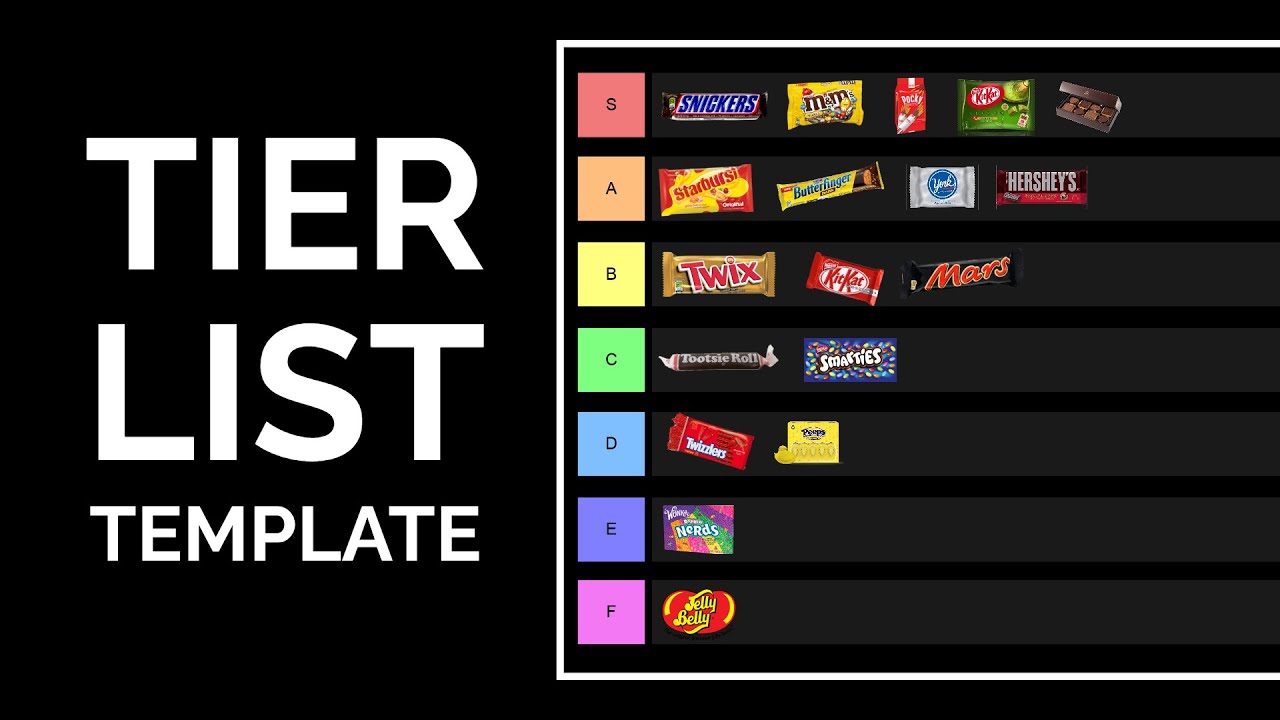
How to Make a Tier List (Free Template + Tier List Maker)
Tiers makes building tier lists a breeze on your iPhone. Drag games, goals, or anything into place with text or images. Customize each tier’s look and share straight to social, no problem.
It runs clean on most modern iPhones (iOS 15+) and the free version works great, though paying unlocks extra tweaks. People love how smooth it feels, even if it’s newer with fewer preset styles. If you’re stuck on an older iOS, follow this step by step process to update your iPhone, then start effortless rankings.
FAQs About Best Tier List Maker App For IOS
What Makes A Great IPhone Tier List App?
Look for easy drag and drop sorting, simple color changes and quick sharing options. Good apps also have ready-made layouts and work smoothly on phones.
Are Free IPhone Tier List Apps Actually Useful?
Many free apps work great for basic lists. You get solid tools without paying, though some extras might cost later. Most people find them totally fine for casual use.
Can I Post My Tier Lists Straight To Social Media?
Most apps let you share directly to Instagram, Twitter, or save as a picture file. Just check if it has a share button or export option before you start.
Which App Works Best For Game Tier Lists?
Apps like TierMaker are popular with gamers. They have layouts made for heroes, items, or strategies, so you can rank your favorite games fast.
Can Friends Help Me Make A Tier List Together?
Some apps like Canva let you work with others live. Just invite them to edit or comment at the same time, perfect for group projects.
How Do I Choose The Right Tier List App?
Think about what you'll use it for, games, school or just fun. Try free versions first to see which feels easiest. If you need fancy features later, you can upgrade.
Final Thoughts
Making tier lists on your iPhone really just depends on what you want. TierUp Ranker and Fotor are super simple to use. Simplified and Canva add helpful AI tools and let you work with others.
Some apps have nicer templates, others have no annoying ads. Making tier lists on your phone is super easy now. Give one a try and start sorting your favorites today.
Also Check Out: Best Free Travel Apps For IPhone To Simplify Your Trips